Step-by-Step Guide: Fee-Earning Limit Orders on PancakeSwap
Product
2025-09-29
PancakeSwap has launched a new Limit Order Hook on BNB Chain, the first onchain solution of its kind. It lets you set a target price for your trade and earn a 0.1% fee when your order is filled, just like a liquidity provider.
Unlike other DEX limit orders that rely on offchain services or charge extra fees, PancakeSwap’s version is fully onchain, automated, and free of added costs. Orders can be partially filled, withdrawn anytime, and rewards are sent straight to your wallet.
This article is a step-by-step guide on how to use fee-earning limit orders on PancakeSwap.
How to Place a Limit Order
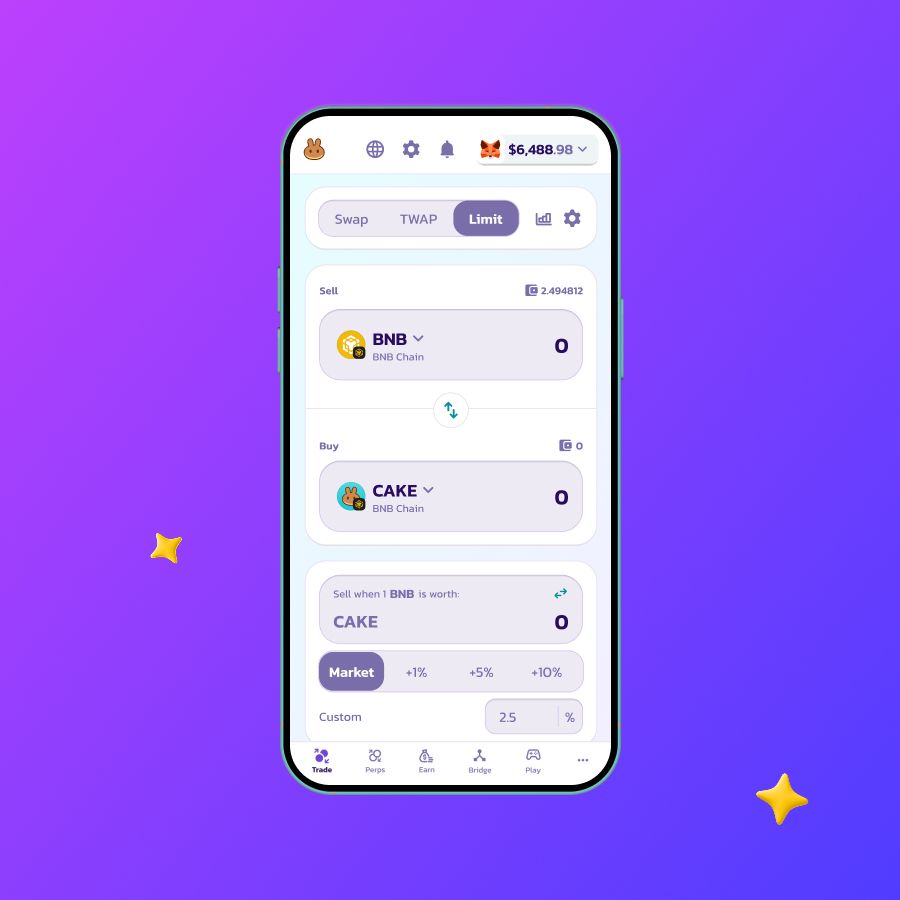
- Go to the Limit page.
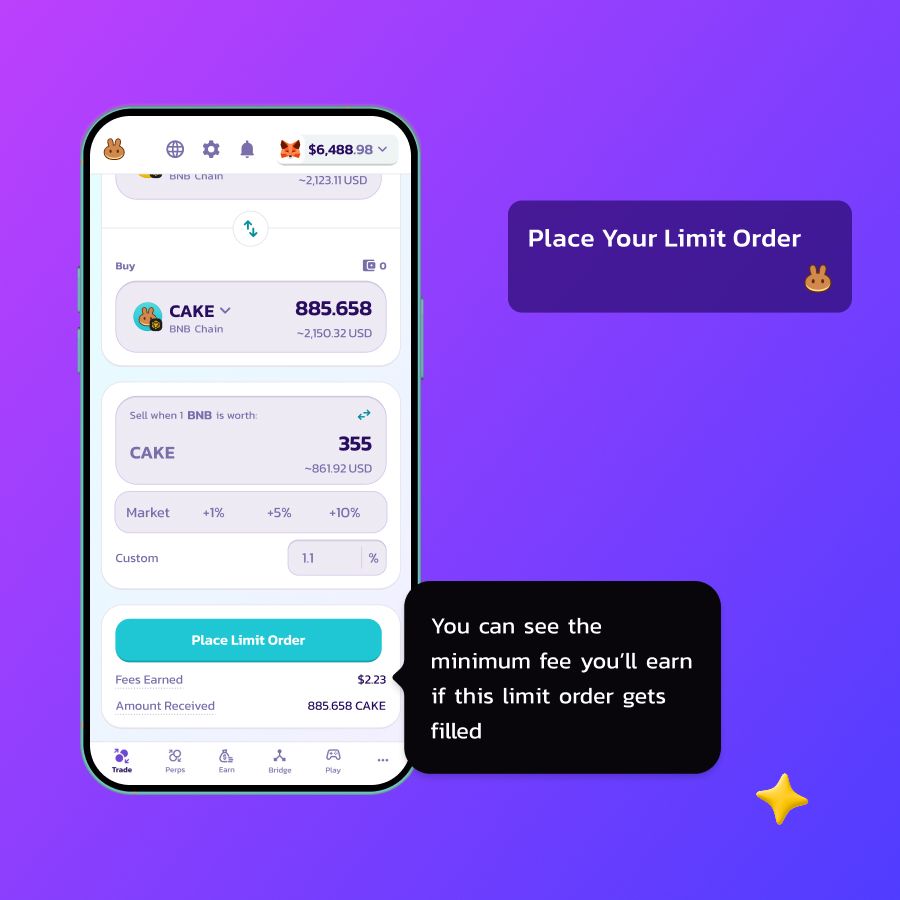
- Enter the order amount and click Place Limit Order
- Review the details and click Confirm
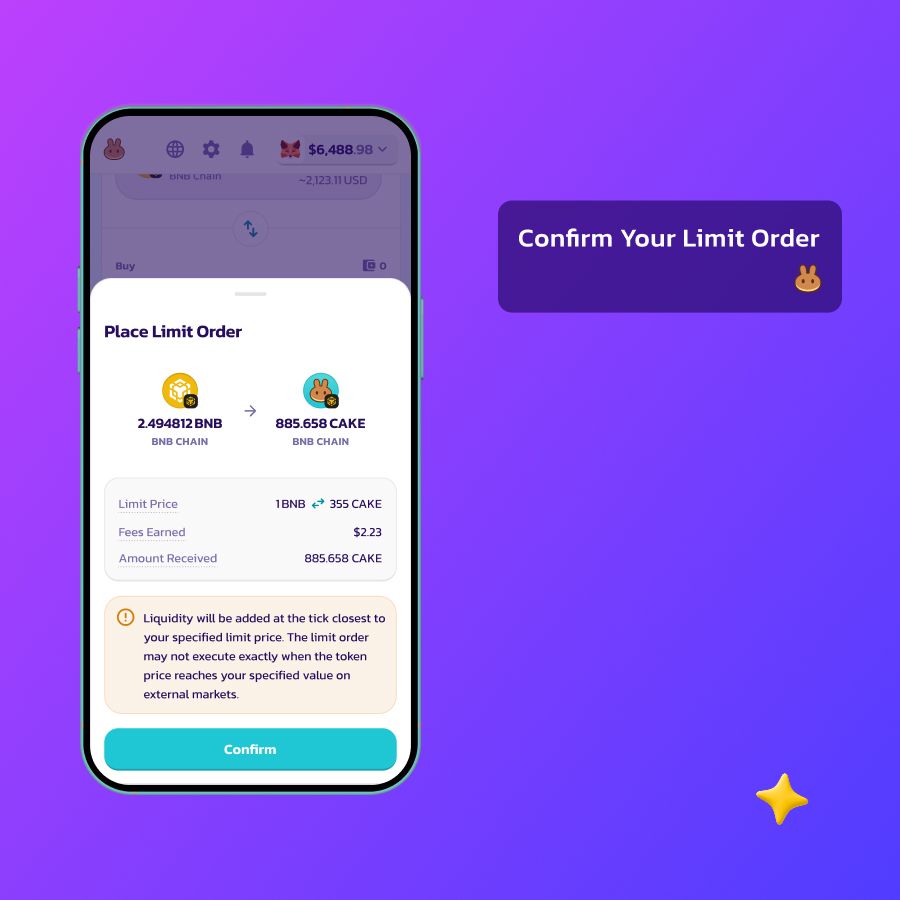
- A confirmation pop-up will appear
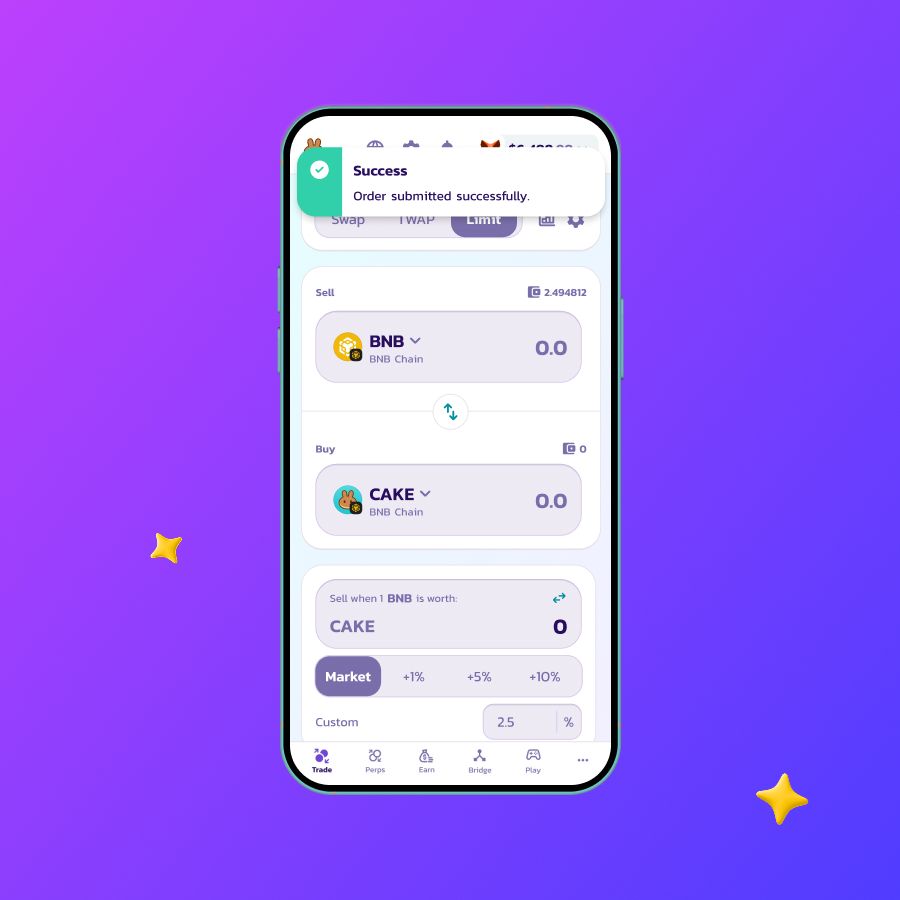
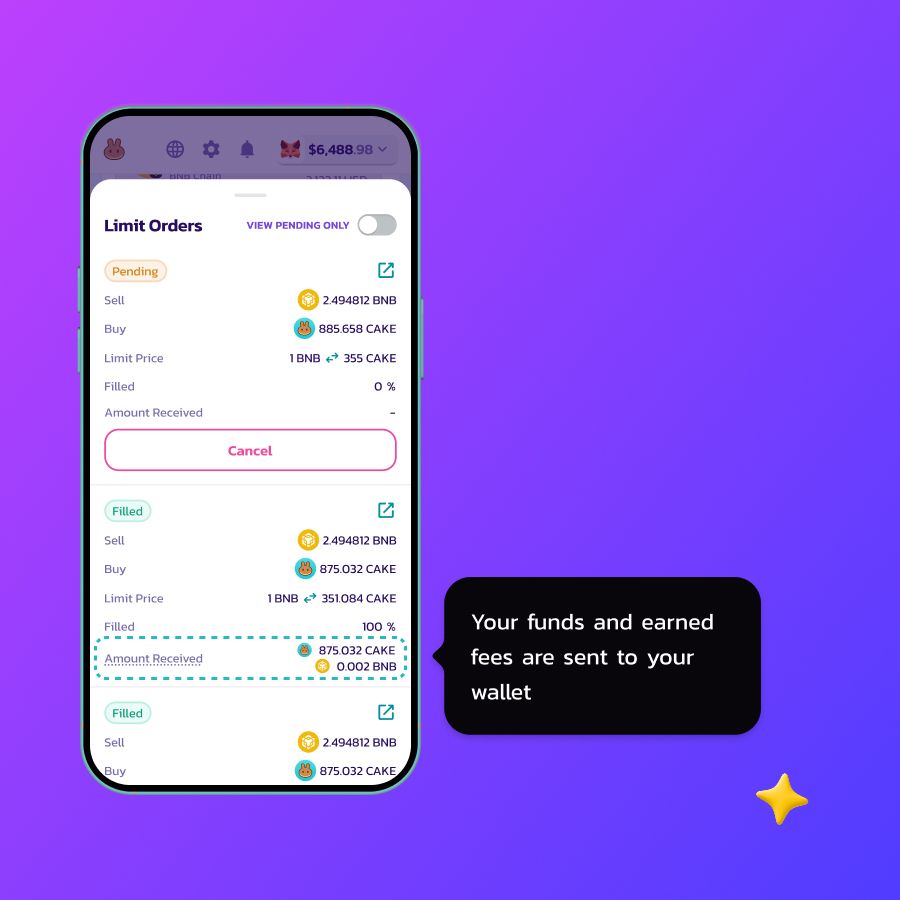
- Scroll down and click 1 Open Limit Order to view status
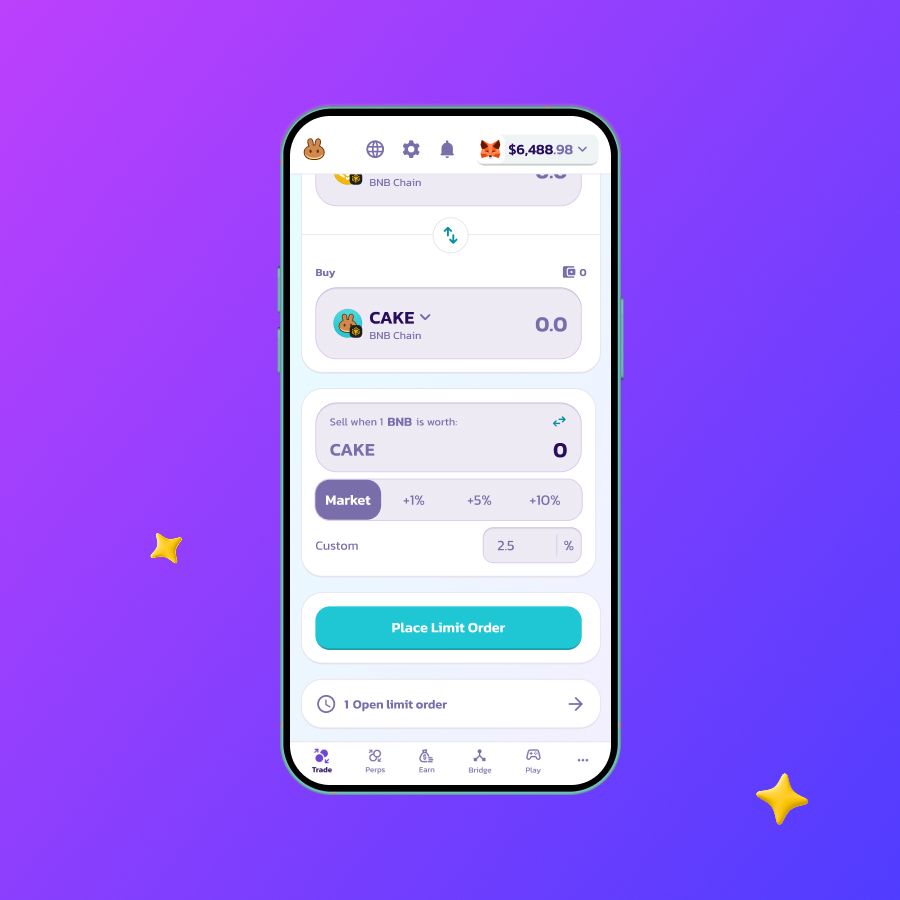
- Manage active orders and check earned fees