How to Use Social Login and Signless Transactions on PancakeSwap
Product
2025-07-25
We’ve just launched Social Login on PancakeSwap, so you can now create and manage a fully non-custodial wallet using X (Twitter), Google, Telegram, and Discord without any browser extensions. It’s fast, familiar, and works across multiple chains like BNB Chain, Ethereum, Arbitrum, Base, Linea, and more.
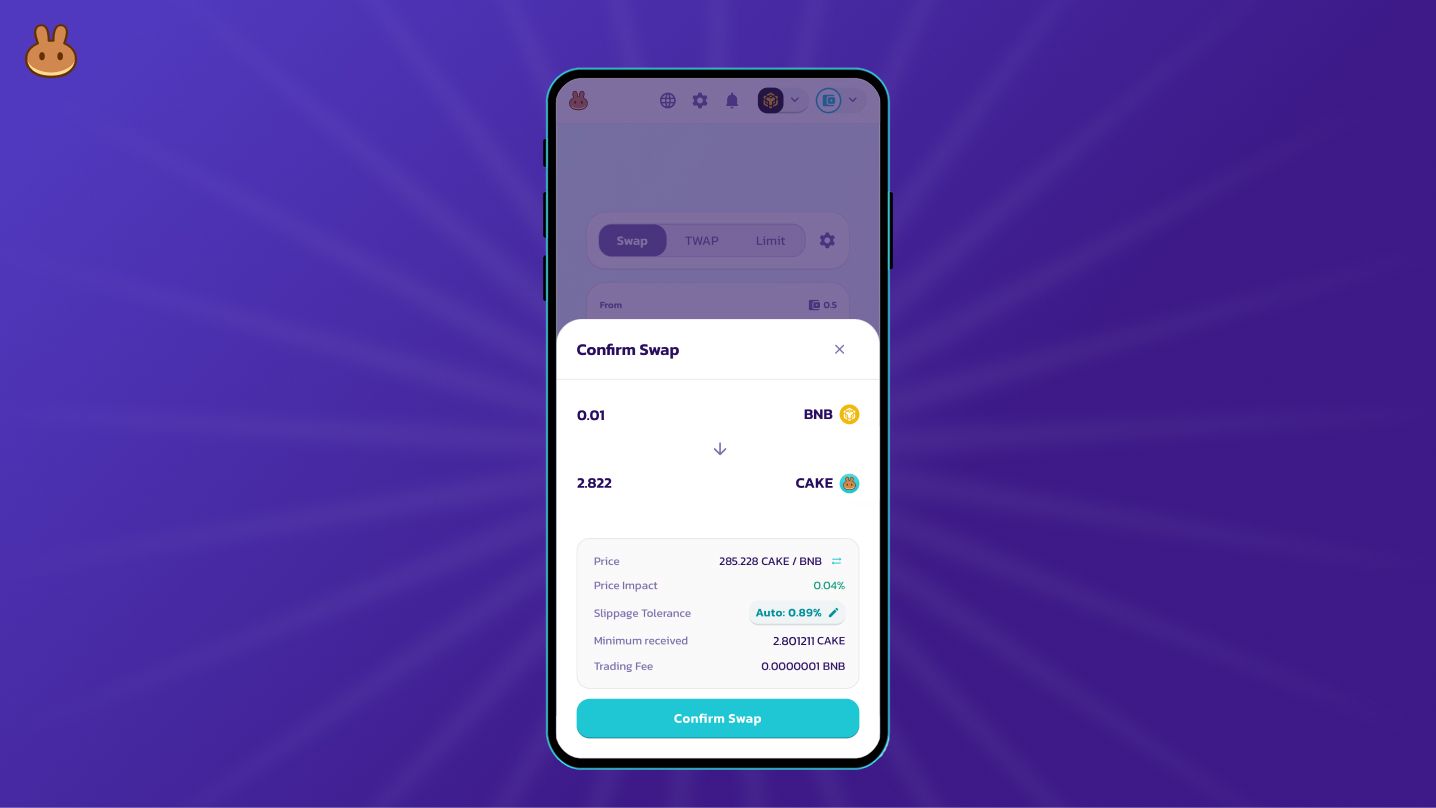
This launch also comes with Signless Transactions, meaning you can swap, provide liquidity, and more, without signing every action. Just click and confirm. It’s smoother, faster, and removes the usual friction in DeFi.
This guide will walk you through everything you need to get started.
How to Use Social Login
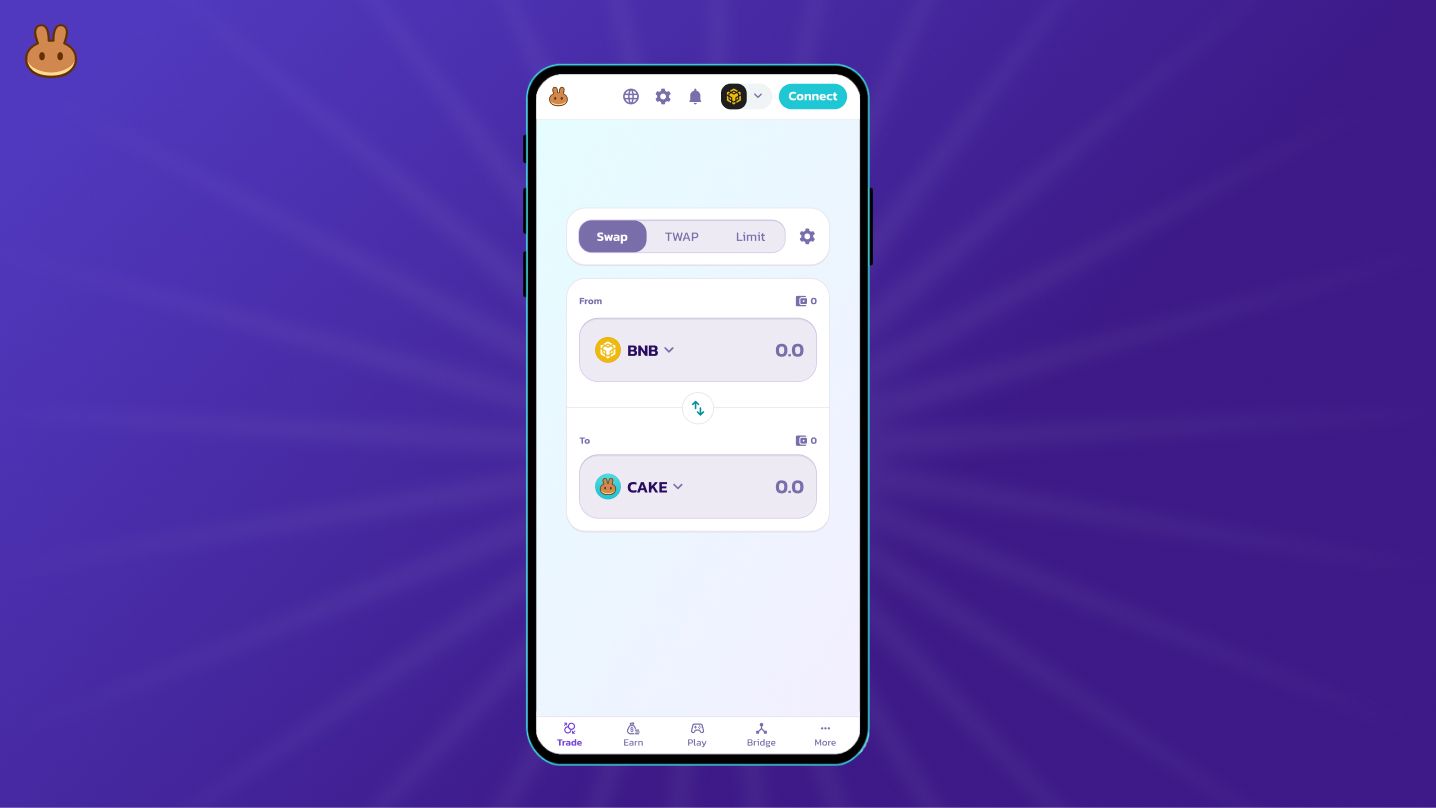
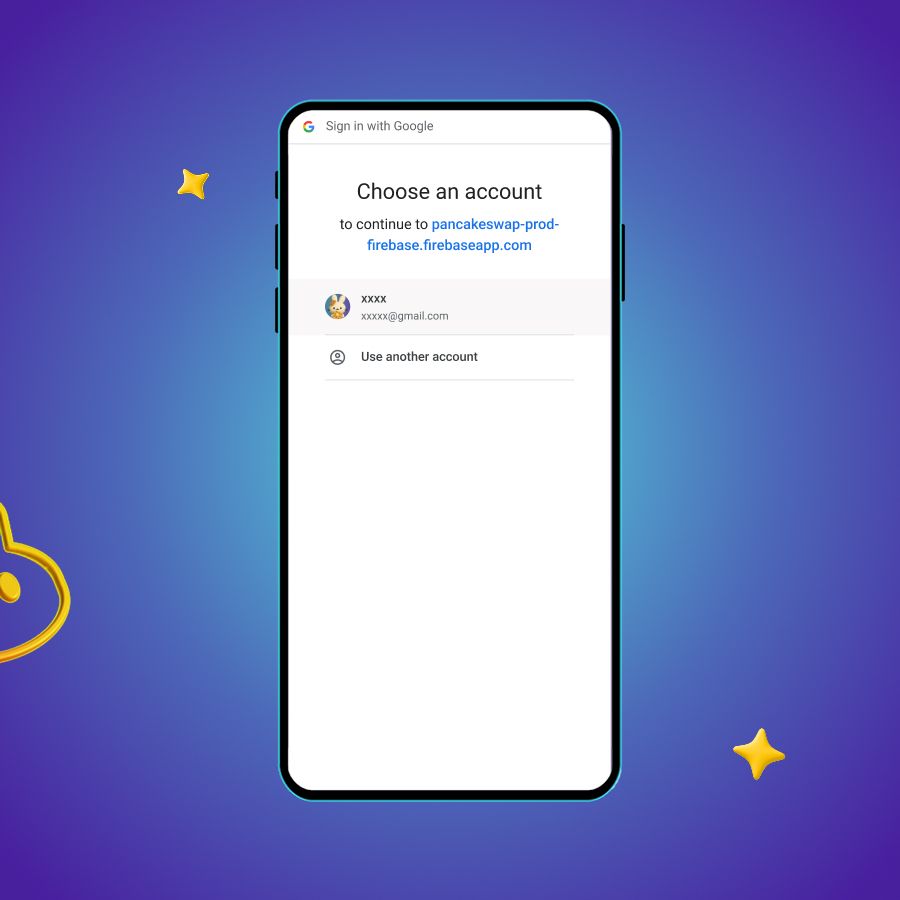
- Tap on “Connect” at the top right corner and click on “Connect with social login”
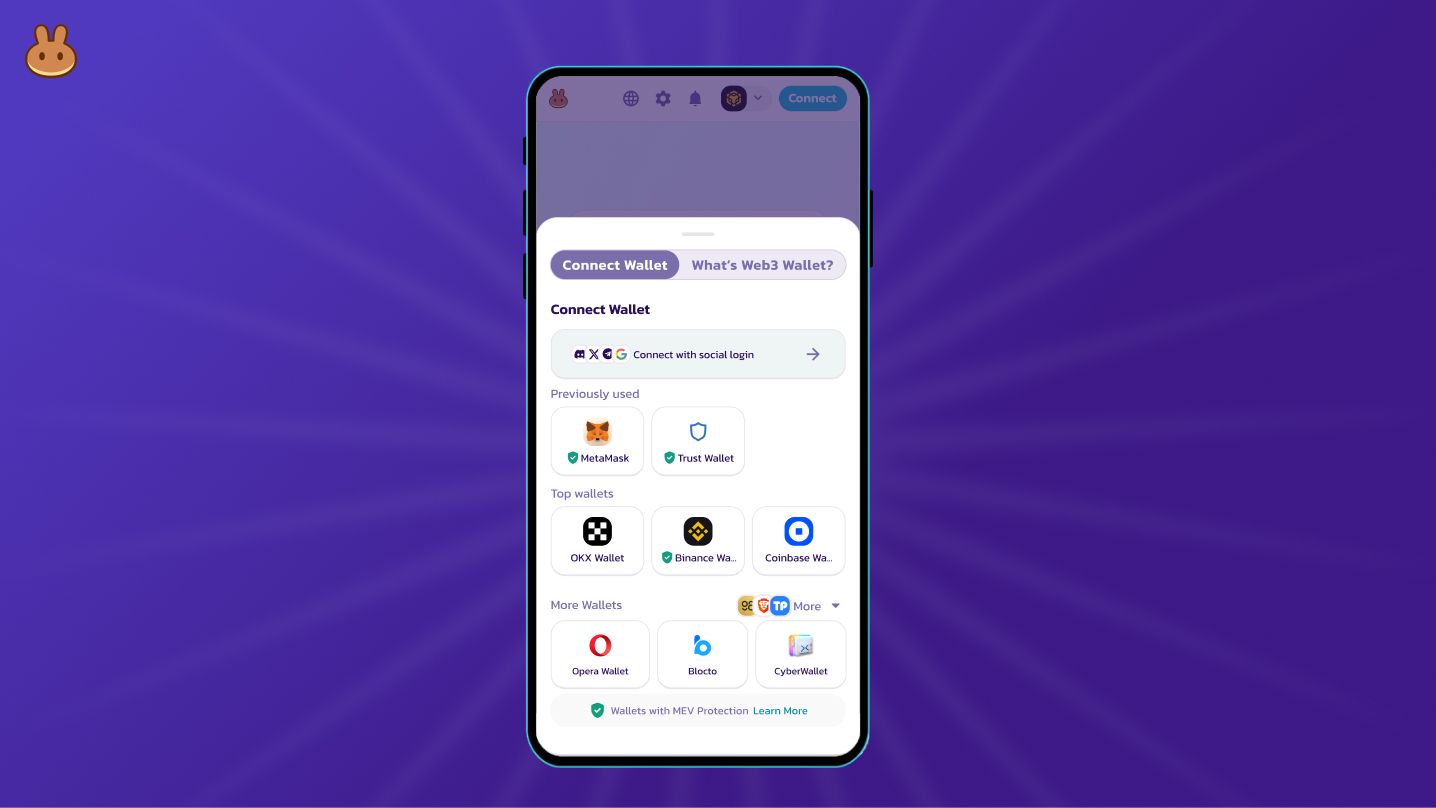
- Select the platform you want to connect
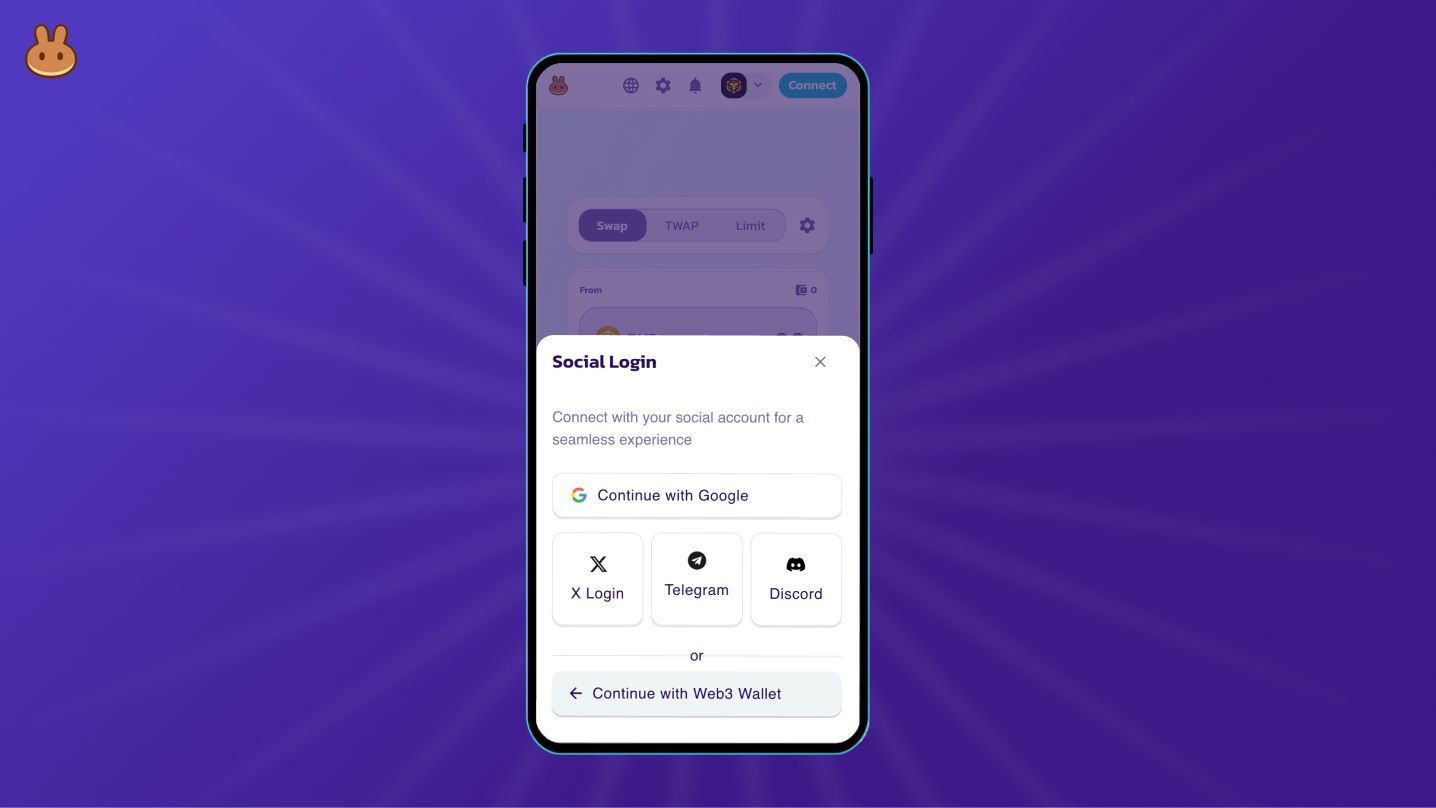
- Follow the steps to complete the login process
How to Use Signless Transactions on PancakeSwap
- Go to the “Trade” tab
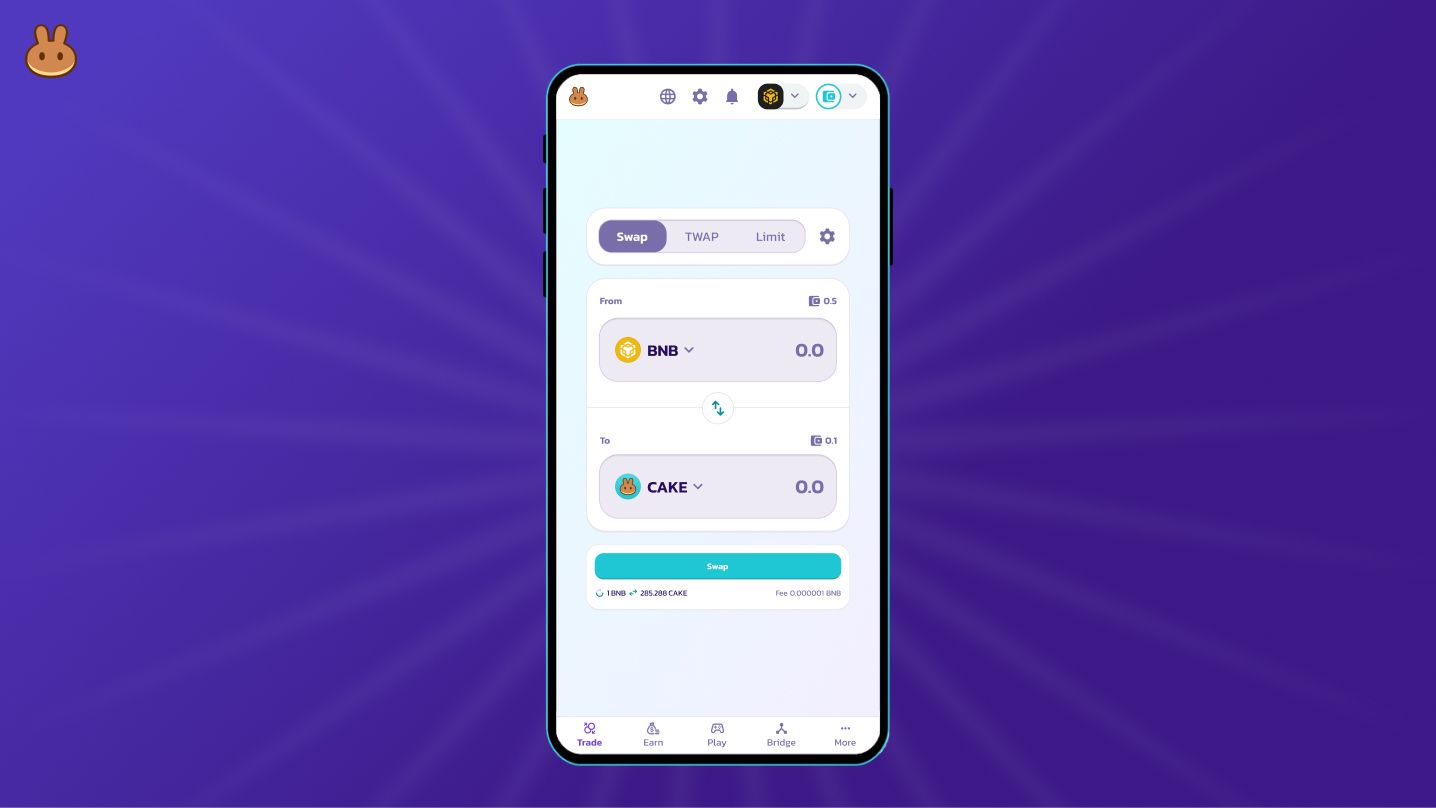
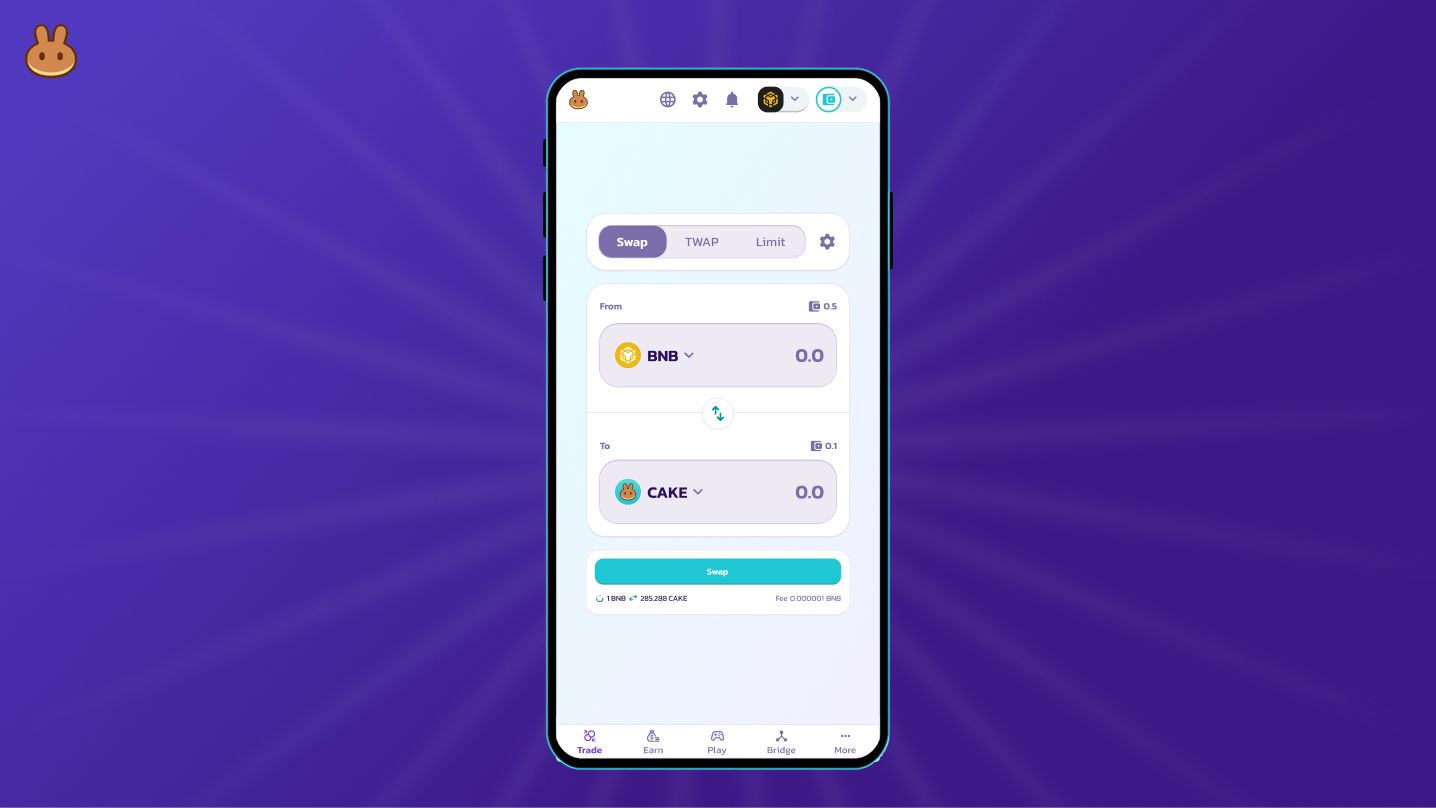
- Enter the amount you want to swap
- Click “Confirm Swap” once you reviewed the details
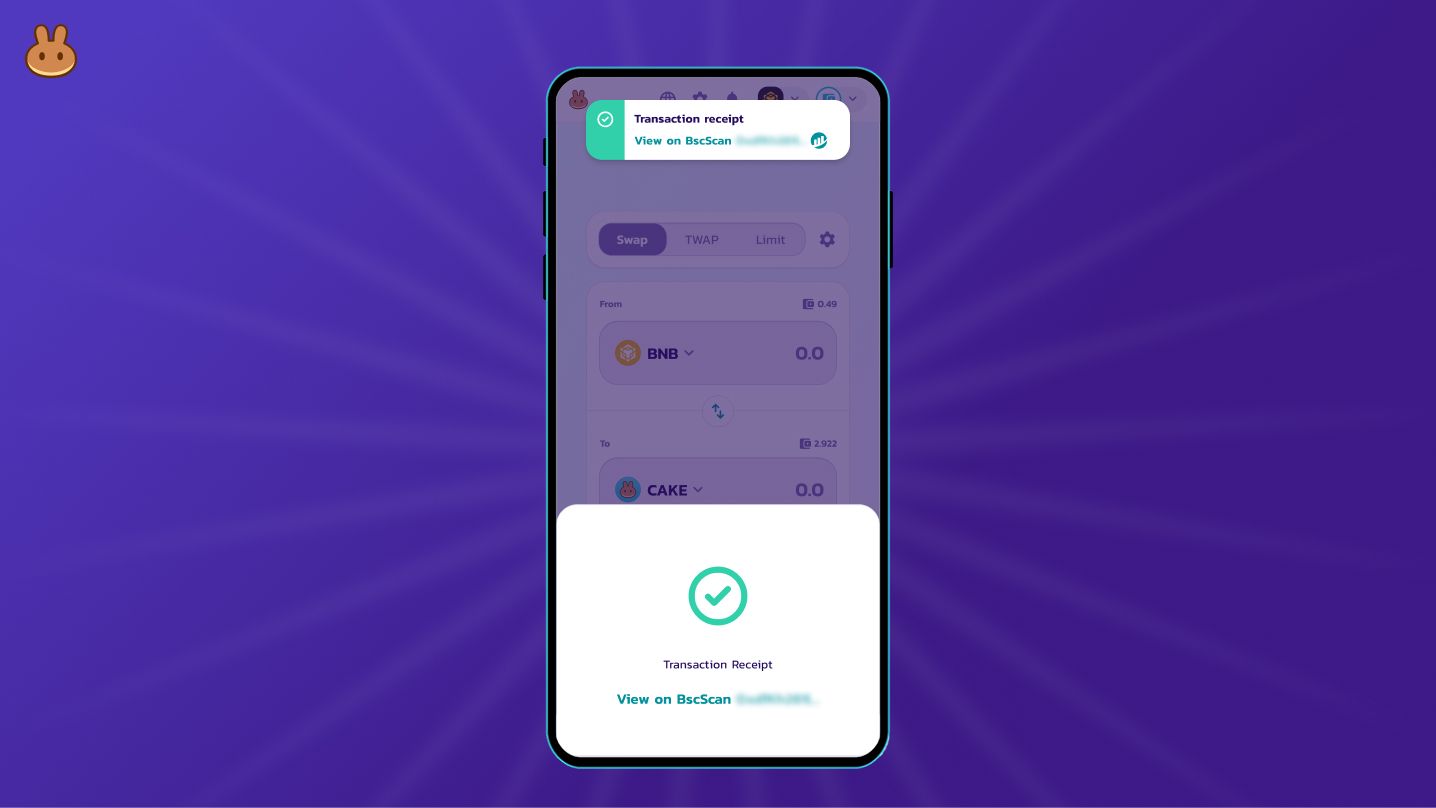
- Swap complete